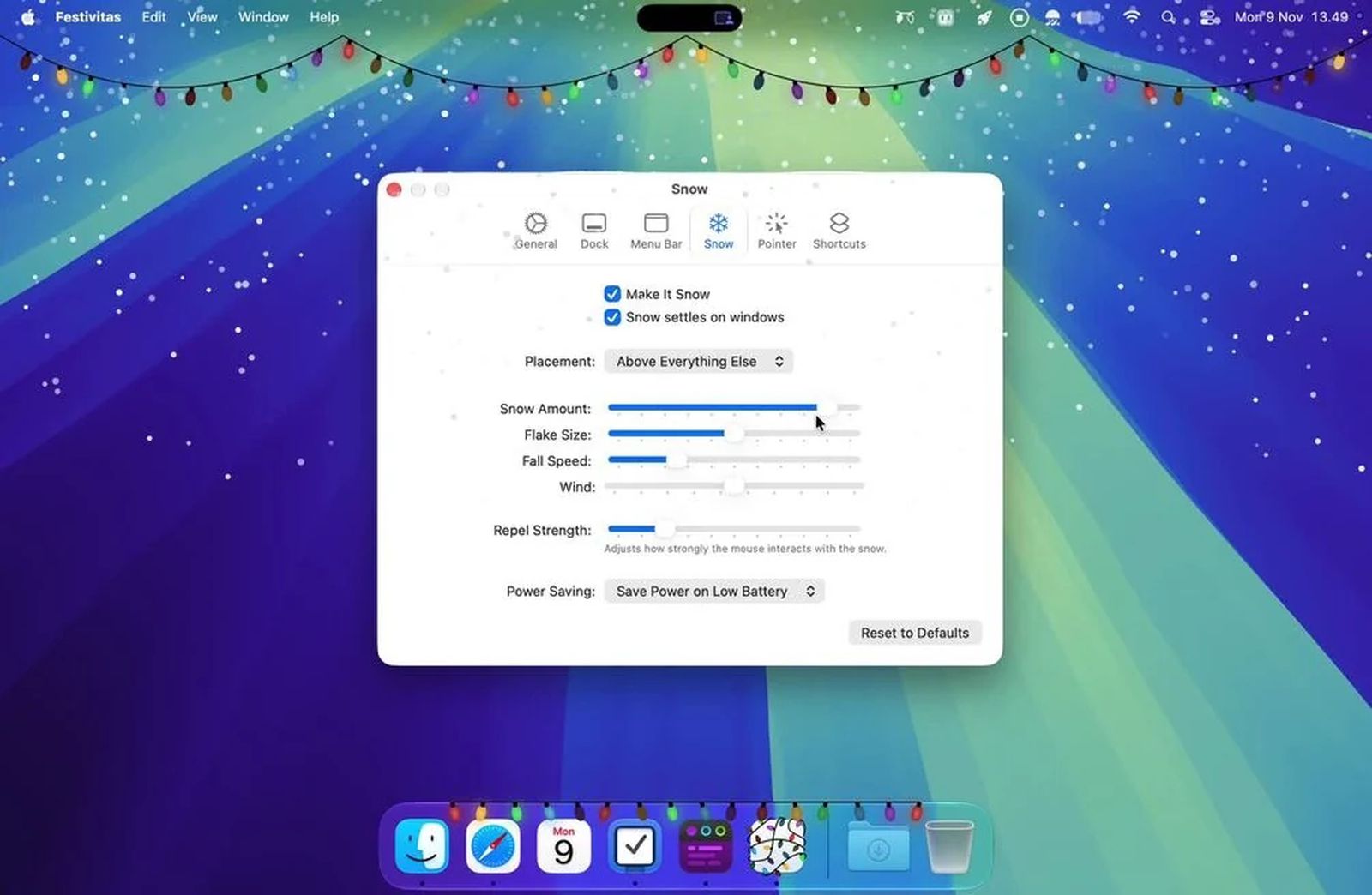
Festivitas, a holiday-themed app for Mac, has received a 2026 update with new light customizations, falling snow and other seasonal effects. Developer Simon Støvring introduced the app two years ago and has continued to update it. Versions are also available for iPhone and iPad.
Mac users can now upload custom bulb shapes by importing an image and converting it into a bulb. Simple PNGs with transparent backgrounds work best; more complex images can retain their original colors. Settings let users adjust light shape, color, size, opacity, drop height and cable thickness, and choose animations including pulse, twinkle, chase and wave.
Pointer effects include sparkles, bubbles, falling leaves, confetti, a Christmas tree and a wreath. Snow can pile up on app windows, and users can adjust its rate, density and flake size. Lights and snow can appear above app windows or on the desktop, while lights can also be displayed on the Dock.
Shortcuts can play music and turn on lights, activate the snow effect when the weather forecast includes snow, or start a snowstorm. The iPhone and iPad apps now support fully transparent animated widgets without a screenshot workaround.
The Mac app requires some accessibility access. Asked about Apple's planned permission changes in macOS 27.3, Støvring said Festivitas gets far more access than it needs because Apple's options aren't granular enough, and that he would prefer to ask for less. Menu bar lights, snow and pointer effects work without the System & App Protection Override permission; Dock lights and snow landing on windows require access.