I replaced Gemini and ChatGPT on my phone with my gaming PC’s 26B model, and the app that does it is free
By Google News AI ·
I've always felt that there's something oddly empowering about having a large language model on my phone. I can ask it things on the go, have it run through long documents, or go over meeting notes first thing in the morning without having to fire up the desktop first.
For the longest time, getting that meant installing a bloated app like Google Gemini and sending every one of those prompts and documents to an advertising giant's servers.
My RTX 4070 Ti Super already runs several capable models like Qwen3.6-35B-A3B and Gemma 4 26B A4B, but models of that size are always stuck on my desktop. The 4-bit version of Gemma 4 26B comes to about 14.4GB just for the weights alone, and needless to say, my iPhone does not have that kind of memory.
It took me an embarrassing amount of time to discover that there was a virtually frictionless way to access the capability of those large models on my phone, and LM Studio's free iPhone app makes it easy and free to do so by linking my phone to the model on my PC. If you have a local AI setup that you'd like to access from any mobile device in your house, it provides a seamless way to do it.
If you're not entirely new to local AI inference, there's a good chance that you've already heard of LM Studio. It's a runtime that lets you download and run local models on your hardware, and the version that I'm on, which is v0.4.28, comes with a feature known as LM Link.
It acts as a bridge between my other devices and the models on my PC, and since it's built on Tailscale, the connection is end-to-end encrypted and my PC isn't exposed to the internet.
Turning the feature on takes literally just three steps, and if you already have a free LM Studio account, you're one step down already. Next thing you have to do is open LM Link from the sidebar and then follow the prompts. On my iPhone, I had to sign up and it showed up on LM Link page as a connected device.
The model that I find myself using most often is Google's official 4-bit build of Gemma 4 26B A4B. It's a QAT (Quantization-aware trained) variant, which Google says keeps the quality close to bfloat16, which is its original 16-bit format. I prefer this model since it fits entirely on my available VRAM. I was aware of this since LM Studio showed a "Full GPU Offload Possible" badge before the download even began.
It's convenient because all 30 layers can be resident on the GPU with the 16K context window I like to keep.
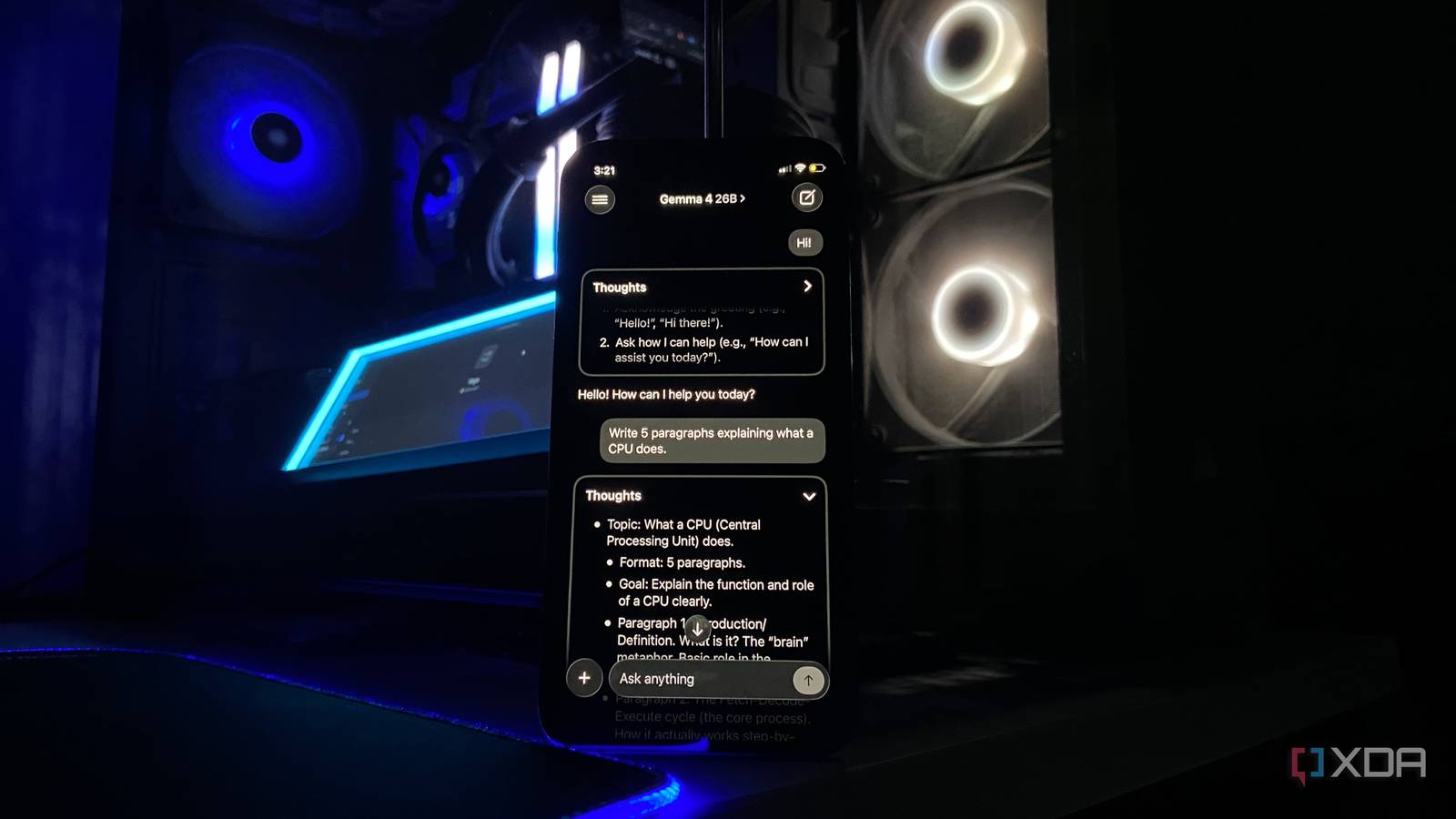
On the phone side, there's just one app you need, and that's Locally, which is a 116MB download via the Apple App Store. To get everything up and running, I had to sign in with my LM Studio account, where my PC showed up on the app with Gemma 4 listed under it. I was able to start using it immediately, and it worked like any other chatbot app. The only difference is that the server sat in my bedroom.
What I found most impressive was the fact that Locally on my iPhone does something that my llama.cpp server can't do on its own, which is accessing the models on my PC without being on the same network. This was one of the things that had me interested in LM Studio in the first place.
To test if it really works well, I switched off the Wi-Fi on my iPhone and let it connect to the internet via mobile data. I was still able to access Gemma from my desktop, and I was able to do so without having to open a single port on my router. Achieving the same on my llama-server setup would mean setting up a VPN or exposing it to the internet, both of…
Originally published by Google News AI