I tried Gemini, Grok, and Claude for a month on Android; one clearly dominated
By Google News AI ·

Parth is a technology analyst and writer specializing in the comprehensive review and feature exploration of the Android ecosystem. His work focus on productivity apps and flagship devices, particularly Google Pixel and Samsung mobile hardware and software.
He provides expert guidance on productivity software, system optimization, and the advanced functionalities that allow users to maximize their device's potential. His analyses are crucial resources for readers seeking to master complex operating system features and streamline their digital workflows.
When he is not busy with technical analysis and software evaluation, Parth dedicates his time to watching K-dramas, studying mobile technology trends and the role of artificial intelligence.
There is no shortage of powerful AI assistants on Android, but choosing the right one is difficult.
Gemini, Grok, and Claude all promise to make everyday tasks easier, answer complicated questions, and improve productivity.
However, impressive demos and benchmark scores rarely tell the whole story.
I wanted to find out which assistant actually makes life easier on Android, and after 30 days of switching between them, I walked away with a clear winner.
Grok is easily one of the best AI assistants I have used on Android.
The app has a neat, modern interface, delivers quick responses, and feels responsive.
I particularly like how it uses subtle haptic feedback while generating answers.
It's a small detail, but it makes the overall experience feel more interactive.
The newly launched X subscription also simplifies the options for anyone invested in the platform.
Unlike Claude, Grok offers built-in image and video generation tools, making it a more versatile AI companion.
I found its image generation capabilities better than Gemini's during my testing.
It also connects with my productivity apps, while features like Projects and automation make it useful for managing everyday work.
Another feature I appreciate is the dedicated Kids mode. I can hand my phone to my little one with more peace of mind. It's designed for younger users, though I would still supervise its use.
However, Grok's biggest limitation on Android is its lack of integration with several mobile apps I use.
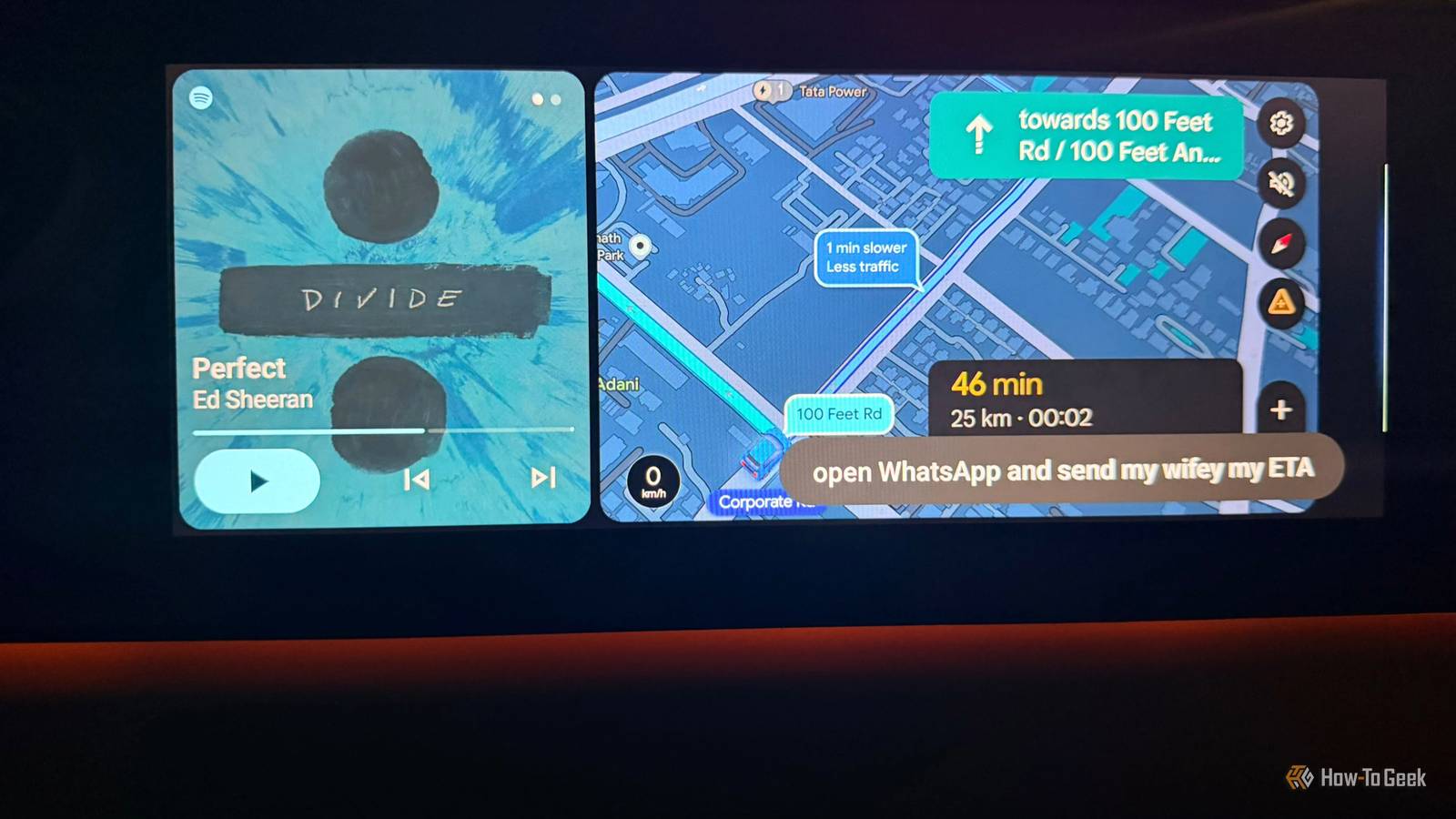
While it can help me retrieve information and work with connected services, it hits a wall when I want to create a quick task or control phone settings. That's an area where Gemini has a clear advantage.
If you are a power X user and use Cursor for coding, Grok makes a compelling case.
But despite everything it gets right, I couldn't justify making it my primary AI assistant on Android.
I have to admit that Claude has nailed the fundamentals. The Android app has a clean interface, responses are quick and accurate, and I rarely have to second-guess its answers.
However, Claude's biggest strengths lie outside Android.
I am a huge fan of Claude Code, but since I prefer handling coding projects on my desktop, it doesn't offer much value when I am using my phone.
Another major disappointment is the lack of native image and video generation tools.
I frequently create visuals for my Instagram posts, and having those capabilities built into my AI assistant would make my workflow much easier.
Grok and Gemini have a clear advantage here.
Claude does support integrations with Gmail, Google Drive, Outlook, Notion, and several other productivity services.
However, I still couldn't use it to quickly create notes in my…
Originally published by Google News AI