Originally published by PC Gamer. By Jacob Fox.
With a game as gorgeous as GTA 6, could you want even more, graphically? Well, some PC gamers seem to be answering 'yes' and throwing some DLSS 5 neural rendering into the mix. Oh, and perhaps more importantly for those of you concerned about the low frame rate on console, they're managing to up the frame rate to 60 fps, too.
How, you ask? In both cases, you can either use a capture card or Remote Play to get the game streamed to your gaming PC. Then, for DLSS 5, you use a tool called Veyra, which can be easily installed and set up by running it via another tool from the modder Phosphen (via VideoCardz).
You just have to run a PowerShell command, get Remote Play linked up, and run a short setup with the new Veyra executable. Assuming, that is, you have a graphics card that can handle the extra DLSS 5 work. And assuming you can get it to work—my colleague couldn't get the tool to link up to his PS5 when he tried.
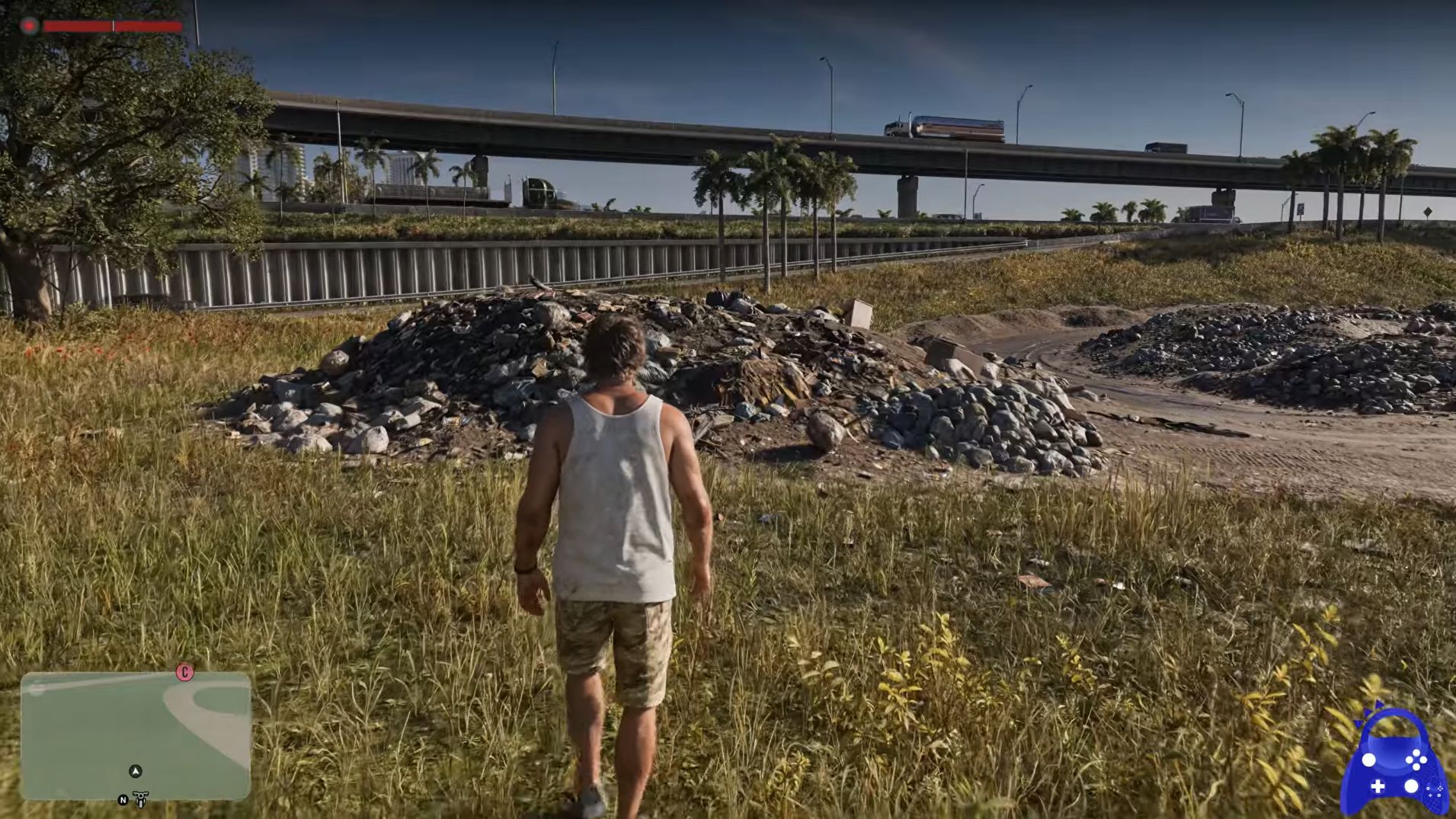
Judging by some gameplay capture of GTA 6 with DLSS 5 running on top, and to perhaps state the obvious, it's very graphically impressive. That goes for both the environment and characters.
This tool should get you up and running at 60 fps, too, using frame gen. Essentially, whether by 60 fps capture card or via Remote Play, each of the game's 30 frames per second is duplicated, giving you a 60 fps output that still feels like 30 fps. The tool removes the duplicated frames and then adds frame gen to double them, giving you genuine new frames interpolated between each actually rendered one. A proper 60 fps, but using frame gen.
Naturally, this will add some latency, especially because extra latency from frame gen is most noticeable when starting at a low base frame rate. Still, it might be worth a try.
You also don't have to use that tool try to and hit 60 fps, as you could try Lossless Scaling instead. You have to pay for that on Steam, but it lets you add upscaling and frame gen to a bunch of different windows or games, not just GTA 6. If you use this method, you just wrap it over your Remote Play stream of GTA 6.
One potential problem with this method, though, relates to what the modder says in their readme: "Frame generation fed with copies makes stutter instead of smoothness." So, if you use Lossless Scaling with GTA 6 streamed over Remote Play for frame gen, the already-doubled output frame rate—ie, the duplicated frames—will likely cause a problem for frame gen, causing stuttering. So, it might be best to stick to upscaling only when using this method.
GTA 6 is a gorgeous game even without DLSS 5, but it doesn't seem like too much hassle to try out the neural rendering, too, if you have the PC for it. And speaking to the frame rate, I imagine there might be more interest in getting this upped to 60 fps on its own, so the tool might be worth a look.