Back Up Gemini Gems Before Dec 17: 13 Steps, 75 Min [2026]
By Google News AI ·

Google will switch personal-account Gemini Gems to read-only on November 17, 2026 and delete them, files included, on December 17, according to gHacks. That leaves nine days before the first cut and 39 days before the last. Google promises an automatic migration to its new Skills feature, but the migration drops several file types and trims anything over a size cap.
This tutorial walks you through a safe exit in 13 steps and about 75 minutes. You will export every Gem by hand, audit the knowledge files against Google’s published limits, convert each Gem into a SKILL.md folder with a small Python tool, upload the result, and run a repeatable test that proves the new Skill behaves like the old Gem.
Everything here is built for Australian readers on a personal Google account, so the dates, the account rules and the receipt example (GST included) match how most of us actually use these tools.
If you only ever opened Gemini to chat, our guide to using the Gemini app covers the basics first. If you built a handful of Gems for work, keep reading, because the clock is real and Google offers no bulk export button.
Add Tech Insider once in the Google app and our stories appear in your news suggestions.
Google announced on September 30, 2026 that Skills would replace Gems and that existing Gems would migrate automatically. The dates only arrived later, through Google’s help pages. A thorough write-up from Génie Artificiel, checked against those pages on November 5, lays out the timeline by account type. The table below condenses it.
Read the personal-account rows carefully. On November 17 your Gem stays visible for reference, but you cannot use it, edit it or create a new one. The automatic conversion creates a Skill with the same name, description and instructions, plus whichever knowledge files survive the filters. On December 17 the original Gem and every file attached to it disappear. Anything you did not download by then is gone.
Google’s pages publish calendar dates and no time zone. For an Australian user, a deadline that falls on the 17th in the United States can land on the 17th or 18th here, and a conversion that runs overnight in California may hit your account while you sleep. Treat the day before each US date as your real deadline. This is advice rather than a Google rule, and it costs you nothing.
Two more details matter. Opal, Google’s experiment for building mini-apps, and the Gems made by Google Labs shut down on November 17 with no migration, so you must recreate any prompts from those by hand. Your Opal workflow files stay in Google Drive under My Drive, and Google says it will not touch them.
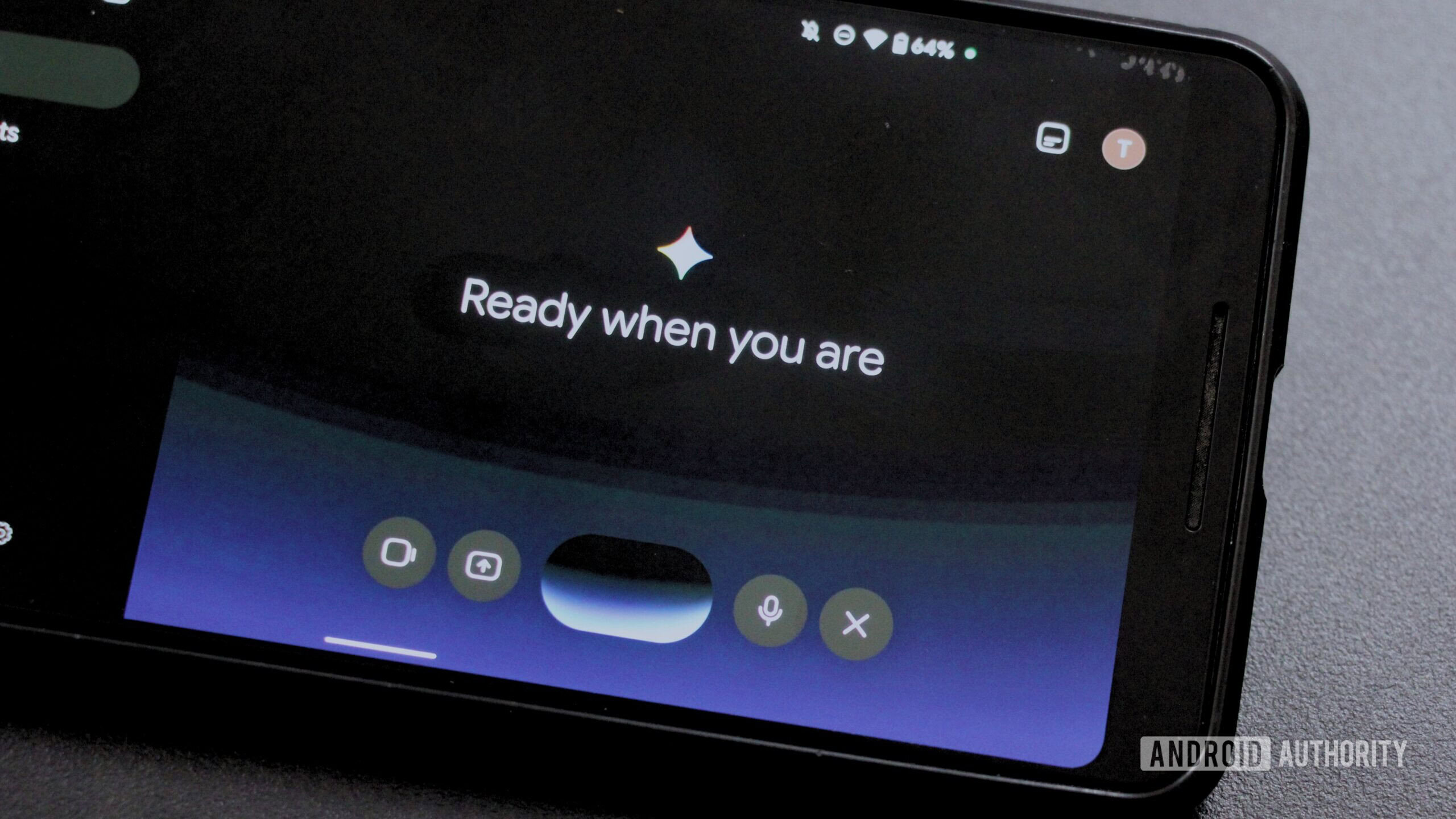
Google’s own help page describes the old feature plainly: “With Gems, you can create specific and repeatable instructions for Gemini to follow.” (Gemini Apps Help). A Gem was a separate chat with standing instructions and reference files. You had to open it deliberately, which is the main thing Skills fix.
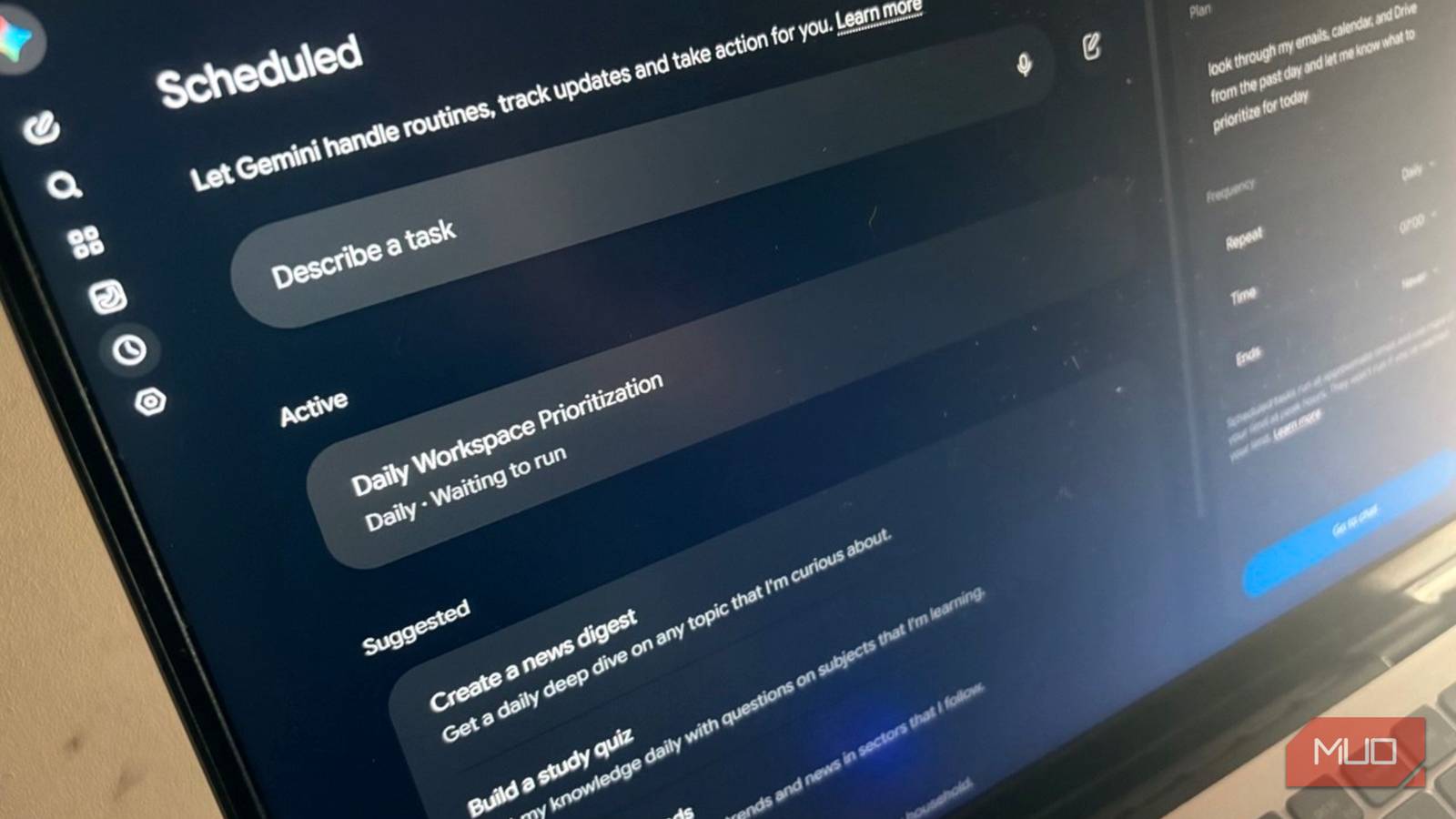
A Skill bundles a name, a description, instructions and optional files, and it works in any chat. You call it by typing a slash and its name, and Google plans to change that trigger to the at sign. Gemini can also apply a Skill on its own when your prompt matches the “When to use” section, and you can stack several Skills in a single conversation.
Skills use the open SKILL.md format, so Android Police reports they should transfer to other AI platforms, although Google itself says only that you can import SKILL.md files made…
Originally published by Google News AI