The price rise is disappointing and the picture and sound upgrades are relatively subtle, but that doesn’t prevent the new Apple TV 4K from being the best video streamer you can currently buy
Even better all-round picture quality, particularly with lower-resolution content
Even cleaner, punchier and more dynamic music and movie sound
Broadly useful hands-free operation via Siri AI and far-field mics
Not the best option for those with Blu-ray rips
Why you can trust What Hi-Fi? Our expert team reviews products in dedicated test rooms, to help you make the best choice for your budget. Find out more about how we test.
It’s hard to imagine a humble video streamer being controversial, yet that’s just what the new Apple TV 4K is.
The root of that controversy is the immense popularity of its predecessor. People love the previous Apple TV 4K for its excellent usability, comprehensive (and thoroughly optimised) app offering and superior AV performance. And while many owners have struggled to identify what they would actually want from a successor, the clamour for a next-generation model has been pretty intense.
That successor has taken four years to arrive, and it looks identical to the previous model, with a familiar operating system and broadly the same overall experience. Oh, and a massive price hike.
Needless to say, the response has been less than positive, and many existing owners haven't been swayed by promises of more power and Siri AI integration.
That's fair enough, certainly. Given the price rise, the on-paper case for upgrading from the previous Apple TV 4K is shaky if picture and sound quality are your only priorities.
But, subtle though they are, there are improvements to both picture and sound quality, and that makes the new Apple TV 4K the best video streamer you can currently buy. There are some genuine usability enhancements, and an intriguing wireless home cinema option, to consider, too.
The latest hi-fi, home cinema and tech news, reviews, buying advice and deals, direct to your inbox.
The new Apple TV 4K has been given a price tag of £299 / $299 / AU$449. That’s an increase of £100 / $100 / AU$150 over the entry-level version of the previous model when it was discontinued.
But the previous model had itself recently gone up in price. At launch, it cost just £149 / $129 / AU$219 for the 64GB model, and £169 / $149 / AU$249 for the 128GB version.
All of which means the new Apple TV 4K costs roughly twice as much as its predecessor did at launch. Admittedly, the new model comes with 128GB of storage as standard, but that does little to soften the blow.
There aren't many direct rivals. The Google TV Streamer and Amazon Fire TV Cube are both roughly half the price of the new Apple TV 4K, but both disappoint in terms of AV performance, particularly the Amazon device.
The new Apple TV 4K’s real task, then, is to surpass its predecessor, which remained the best product of its type until Apple put it out to pasture – and to put cheaper streaming sticks to shame.
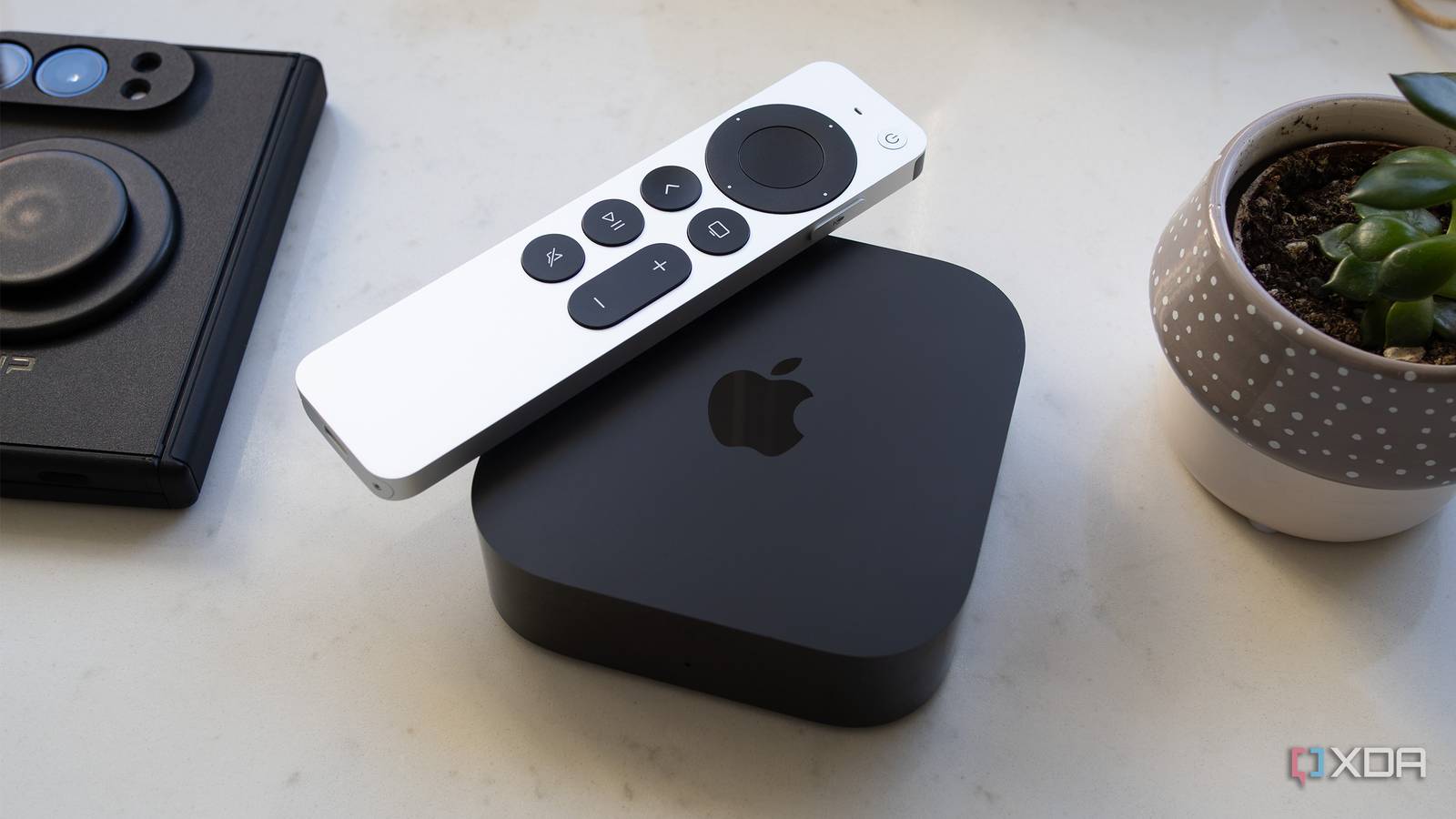
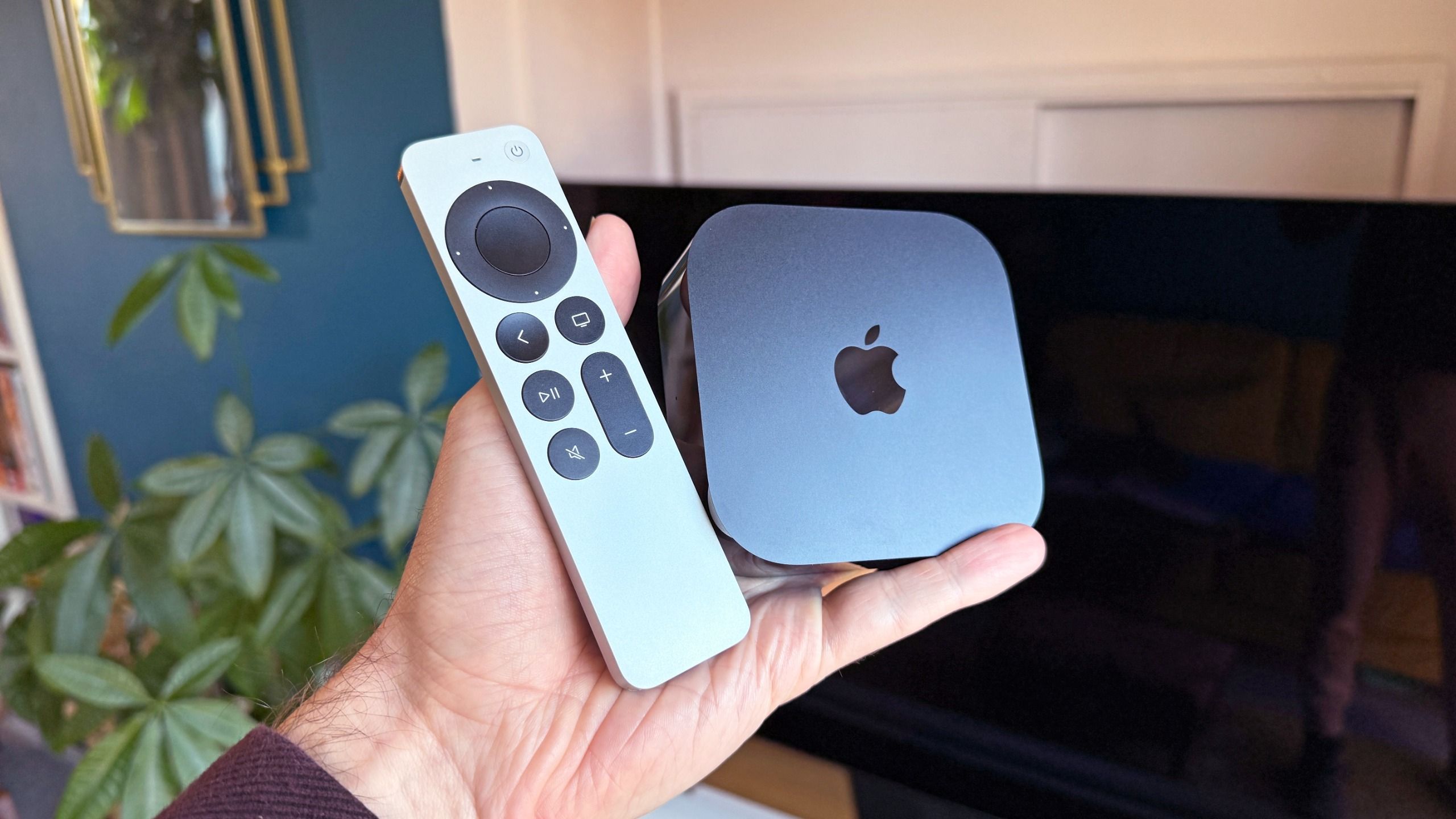
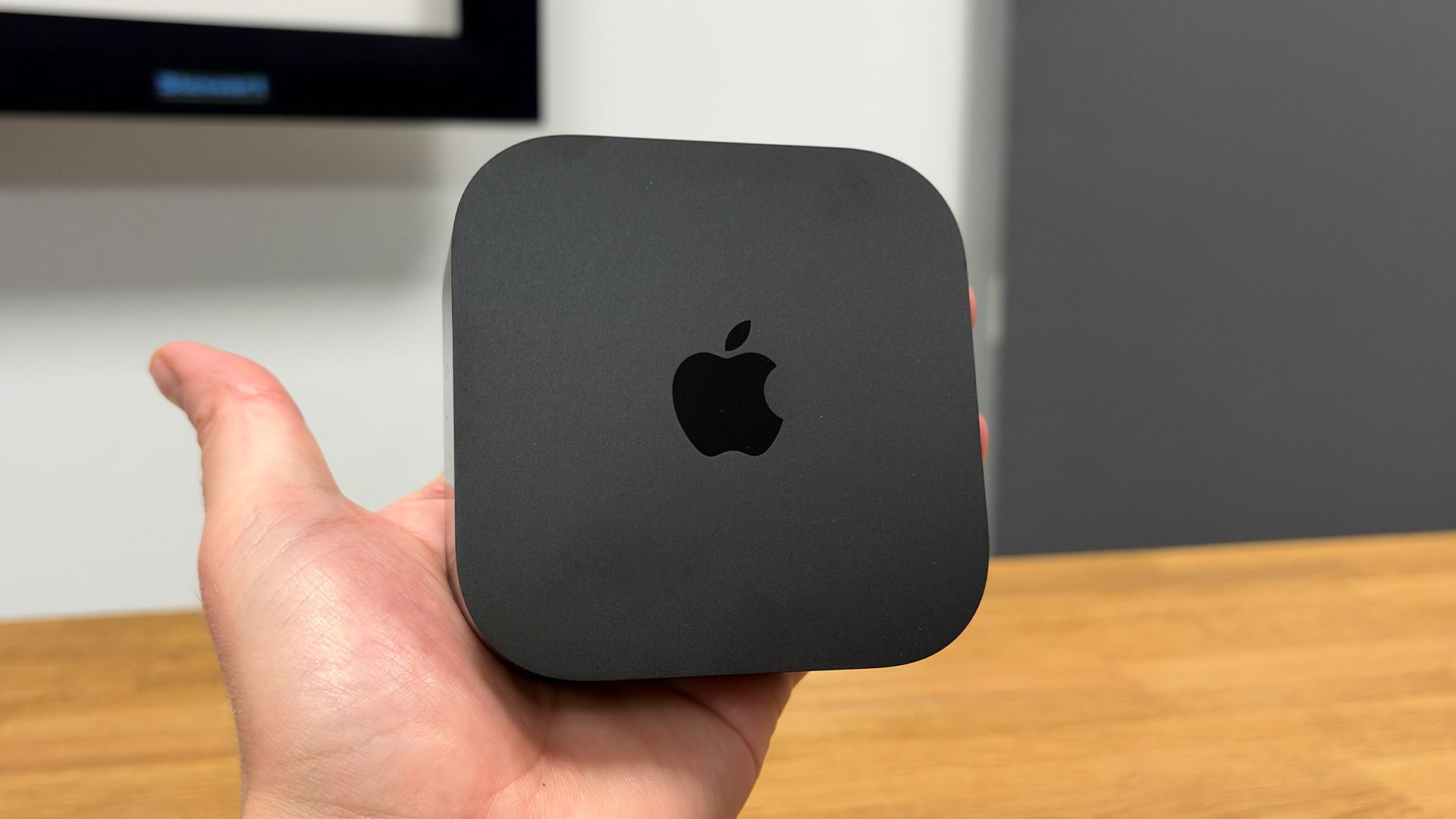
You’ll need a keen eye to spot any design differences between the new Apple TV 4K and its predecessor.
The compact, understated black box is unchanged, measuring just 9.3cm square and 3.1cm tall – small enough to tuck discreetly alongside your TV or out of sight altogether.
HDR formats HLG, HDR10, HDR10+, Dolby Vision
It’s worth bearing in mind, though, that the addition of far-field microphones means the new Apple TV 4K shouldn’t be hidden away in a cupboard – at least not if you want to benefit from the new hands-free Siri experience, more on which below.
The only obvious design alteration is the repositioned power light, which now sits in the centre of the front panel rather than towards the lower-right corner. Mercifully, that light is also dimmer, making it less distracting if you keep the streamer close to your screen.
The design of the remote is unchanged, but that's no bad thing. Its aluminium construction feels suitably premium, while the shape, dimensions and weight are just right.
The buttons have a reassuringly tactile feel, and the circular touchpad remains an intuitive way to navigate menus, whether you prefer swiping, circling or clicking to get around.
Getting the new Apple TV 4K up and running is an absolute doddle. If you have an iPhone, simply hold it close to the streamer, enter the four-digit code displayed on screen, and most of the set-up process takes care of itself. You’ll be asked to read a short phrase aloud if you want to use the far-field microphones, allowing the Apple TV to check that it can hear you clearly.
There’s one important setting to change before you start watching, too. Match Content is switched off by default, so head into the Video And Audio menu and enable both Match Dynamic Range and Match Frame Rate. This ensures that content is played in its original HDR or SDR format, rather than being unnecessarily upconverted, and at the correct frame rate to minimise judder.
Frame-rate matching is offered by most video streamers these days, but it doesn't always work consistently across every app, and that can mean unwanted judder when watching films and TV shows. The Apple TV 4K, however, is exceptionally dependable in this respect, with its Match Content settings working correctly across all of the streaming apps we test.
It's a significant advantage, and one that makes a tangible difference to the viewing experience.
App support is, as you’d expect, excellent. Of the 32…